



You didn’t spend all that time creating digital resources, so they could simply consume space on your website. You wanted another income stream that made money in your sleep (or something along those lines 😜). But selling on your site turned out to be a bit harder than expected. As in, the sales don’t roll in quite so easily. If you want to see better ecommerce conversions and boost your shop sales, start with these four updates.

Want to sell more in your shop? Pin the save!
4 Updates to Improve Your Ecommerce Conversion
I could just tell you how to update your site, but what’s the fun in that? 😉 Instead, I want to share a real-life example using my own WooCommerce shop, which I recently made improvements to. This way, you can see these strategies in action.
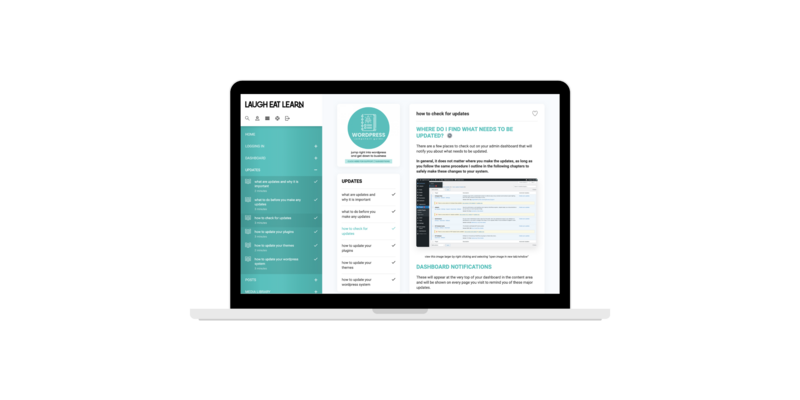
(PS. Many of the design elements and strategies I share below are included in my course, Settin’ Up Shop with WooCommerce. Inside the course, you get an in-depth, click-by-click walkthrough to making setting up and making improvements to your site shop!)

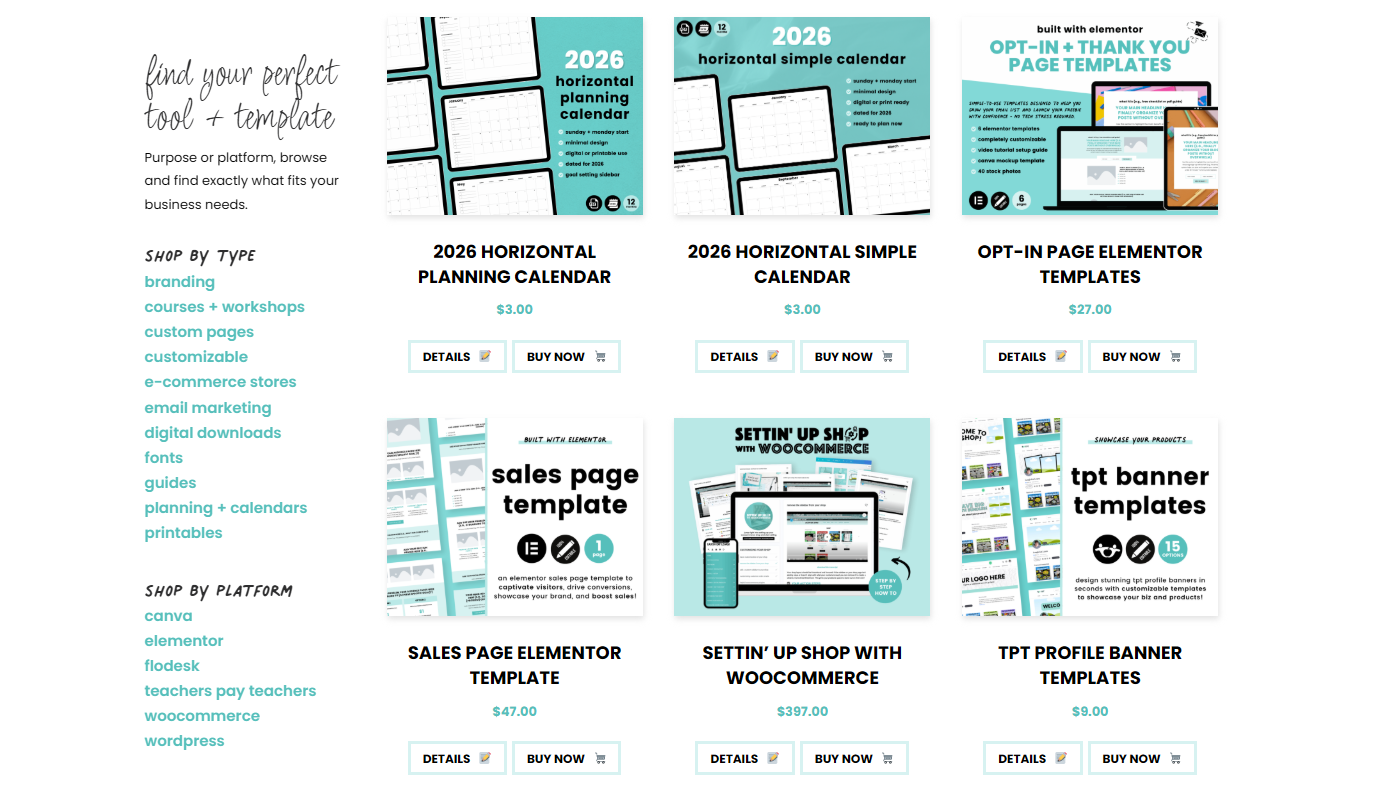
#1 Add a Categories Sidebar
When you first started your shop, you only had a product or two listed, so having a sidebar with categories or a filtration system seemed silly. But now? You have more than a handful of items listed, and that’s enough to add some visual chaos to your shop.
A super easy (and honestly, super necessary) way to boost your ecommerce conversion rate is with a categories bar. For example, in my own shop, I have categories like branding and email marketing. It’s not about how many items you have for each category, but rather how quickly buyers find what they are looking for. The quicker the search, the quicker the sale.
Not sure how to create a category sidebar? Grab my course, Settin’ Up Shop with WooCommerce, and I’ll guide you through the process. 😄
#2 Update Your Product Covers
When I opened my shop, I used the same cover template for all of my resources. It looked uniform and clean, but as my shop grew, it also meant everything blended in. 🫠 I needed visual breaks that stopped buyers from scanning, got them to focus in, and boosted ecommerce conversions.
My tip for product covers is to stay consistent with your branding, but show some variety in the layout of each cover. I decided to maintain a similar cover layout for like items, such as calendars and courses, but you could create different covers for each product.
#3 Update Product Descriptions
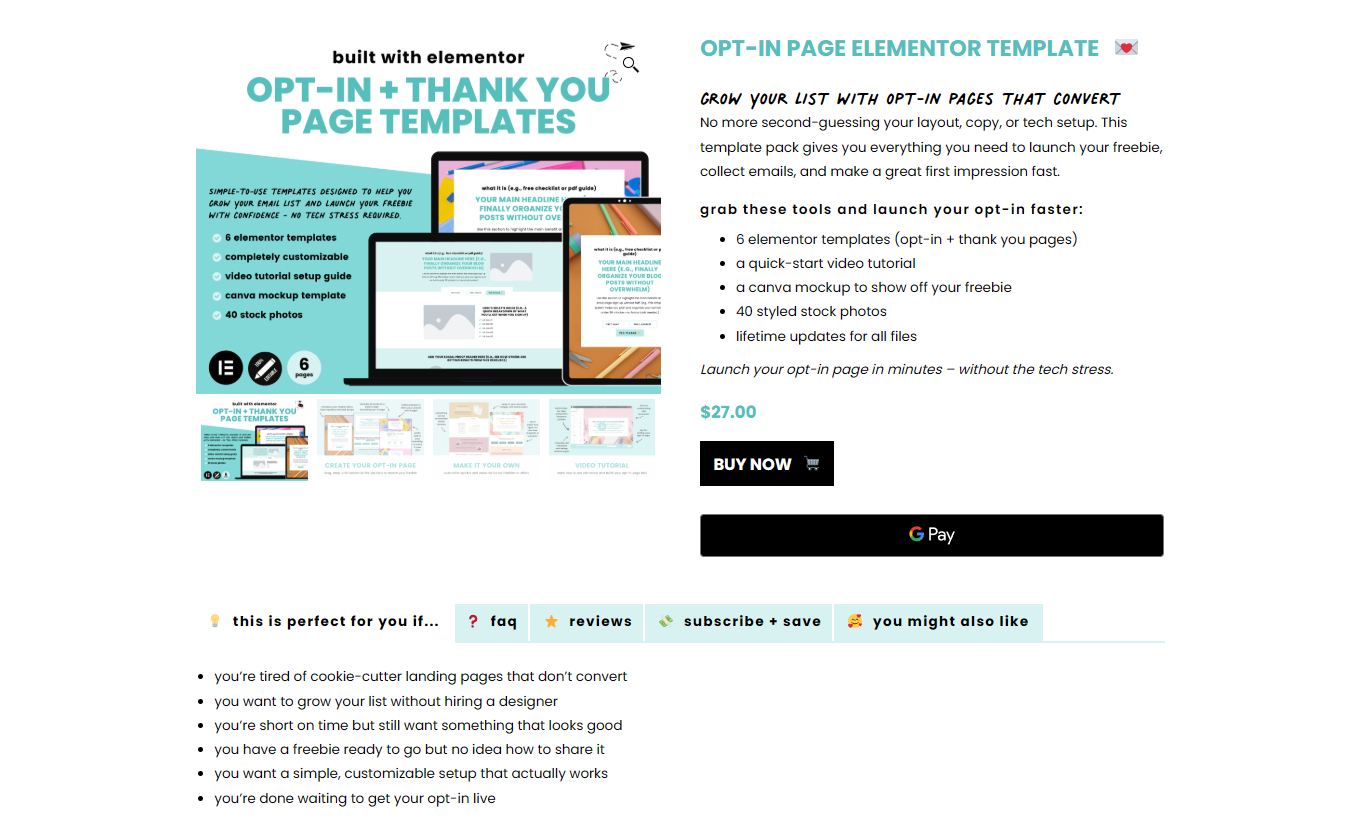
Do not underestimate the power of your product descriptions. In many cases, they will be the determining factor in your ecommerce conversions. Before people buy, they want to be clear on what they’re getting, if it’s right for them, and what other buyers have thought of the product. When I made my recent shop update, I added a “this is perfect for you if…” and “FAQ” tab to help potential customers better understand and eliminate hesitations.
Another important aspect of your product description is SEO. Inside my course, Settin’ Up Shop, I’ve included an SEO Playbook that tells you exactly how to write your product listings, so they’re easier to find online, therefore boosting your traffic and conversions.
#4 Add an Abandoned Cart Sequence
Even if you make every update to your site, some people are going to add an item to their cart…and walk away. Maybe they forgot. Maybe they’re thinking about the purchase. Either way, an abandoned cart email series can help you recover lost sales and boost your ecommerce conversion.
The good news is you don’t have to be a copywriting expert to write this sequence. Type up a couple of emails to remind potential customers about their abandoned products, and sell them on why they should buy your product now. You can even offer an incentive, like a 10% off coupon.
Get Support with Your WooCommerce Shop
Dreading the tech behind updating your ecommerce store? Check out my course, Settin’ Up Shop with WooCommerce. I’ll show you how to upload products, customize your shop, optimize your product descriptions, and more, so your site runs smoothly, and you make it easy for buyers to hit *add to cart*.














be the first to comment